Who makes it
PandaFileKit is an independent project. It isn't part of a document-software company, and it has no accounts or storage to sell.
The idea is simple. Most online file tools ask you to upload a bank statement, an ID scan or a family photo to someone else's server just to rotate a page or shrink a picture. Browsers have been able to do that work themselves for years, so these tools do it that way.
How the processing works
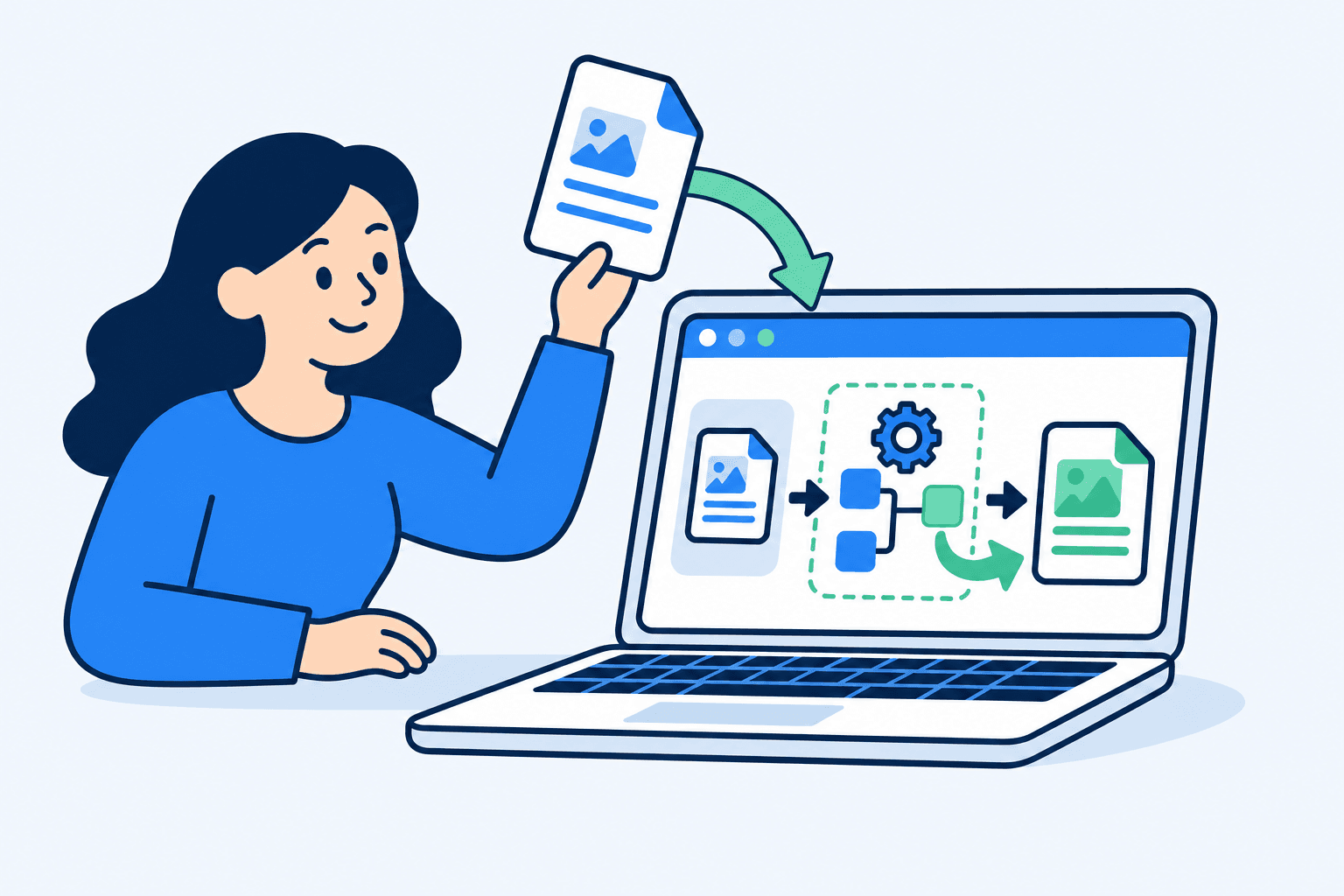
When you choose or drop a file, the browser gives this page read access to it through the standard File API. The bytes are loaded into the tab's memory, never into a request. The tool then runs on your own processor, using JavaScript and WebAssembly builds of well-known open-source libraries, and the result is created as an in-memory file that your browser saves to your downloads folder.
Some tools need more code than the page loads up front. The OCR tool downloads language data the first time it runs, and background removal downloads its AI model. Those are one-way downloads of code and model files to your browser; your image is never part of them. After the first run, your browser usually caches them.
Nothing is stored after you leave. There is no database of files, no temporary folder on a server and no job queue, because there is no server-side processing at all.
The libraries doing the work
Credit where it is due. These open-source projects do the heavy lifting:
- pdf-lib
- Creates and edits PDFs: merge, split, rotate, page numbers, watermarks, signatures, crop.
- PDF.js
- Mozilla's PDF renderer. Draws pages for thumbnails, PDF to JPG/PNG, text extraction and compression.
- Tesseract.js
- Optical character recognition compiled to WebAssembly, for Image to text.
- Transformers.js
- Runs the background-removal model in the browser with ONNX Runtime Web.
- libheif
- Decodes iPhone HEIC and HEIF photos, compiled to WebAssembly (via heic-to).
- JSZip
- Reads and writes ZIP archives, and the insides of DOCX and PPTX files.
- mammoth.js
- Turns Word documents into clean text and HTML.
- ExcelJS
- Reads Excel workbooks for XLSX to CSV.
- Papa Parse
- Parses and writes CSV.
- qpdf
- Unlocks and password-protects PDFs, compiled to WebAssembly.
- Mediabunny
- Reads and writes MP4, MOV, WebM and MKV for the video tools, using the browser's WebCodecs.
- gifenc
- Encodes GIFs for Video to GIF.
- jSquash
- Encodes AVIF images where the browser can't.
- UTIF
- Decodes TIFF images.
- MediaPipe
- Finds face landmarks for the DV Lottery and visa photo checkers.
- ONNX Runtime Web
- Runs the upscaling and object-removal models on WebGPU or WebAssembly.
Image resizing, cropping, compression and format conversion use the browser's own Canvas and image decoders.
Models and encoders
These model weights and encoders are downloaded to your browser the first time a tool needs them. Credit and licences:
- Real-ESRGAN (realesr-general-x4v3), © 2021 Xintao Wang — BSD-3-Clause
- MI-GAN, © Picsart AI Research — MIT
- MODNet, © Zhanghan Ke — Apache-2.0
- MediaPipe Face Landmarker, © Google — Apache-2.0
- LAME MP3 encoder — LGPL (loaded as a separate, replaceable module)
- FFmpeg AAC encoder — LGPL-2.1 (loaded as a separate, replaceable module)
What we don't do
- We don't upload, store or look at your files. There is no upload endpoint to send them to.
- We don't ask for an account, an email address or payment.
- We don't send file names, contents, extracted text or metadata to analytics or advertising. If analytics are enabled, they record which tool was used and rough size buckets, nothing more.
- We don't offer conversions that can't be done faithfully in a browser, such as Word or PowerPoint to PDF. Doing them properly needs Office's own layout engine on a server, and we would rather leave them out than quietly upload your document.
- We don't promise results a browser can't deliver. When a tool has a trade-off, such as the stronger PDF compression modes that turn pages into images, the tool says so before you download.
Check it yourself

You can confirm that a file never leaves your device in about a minute, in any desktop browser:
- Open any tool, for example Compress PDF.
- Open the developer tools (F12, or Cmd + Option + I on a Mac) and choose the Network tab. Tick “Preserve log” and clear the list.
- Choose a file and run the tool.
- Look at what appears. You may see scripts, WebAssembly files or model files being downloaded. You will not see a request that sends data out (an upload would show as a POST or PUT request roughly the size of your file).
- For a stronger test, run the tool once, then set the Network tab's throttling to Offline and run it again on another file. It still works, because nothing needs a server.
Each tool also shows a small meter of bytes sent to a server while it works. It reads the same information DevTools does, and it stays at 0 B.
Contact
Bug reports, format requests and questions go to hello@pandafilekit.com. It reaches the person who builds the tools. If a file doesn't work, describe it (type, rough size, what the tool said) rather than attaching it; the whole point is that your files stay with you.
Read the privacy policy and the terms of use, or go back to all tools.