Free file tools that never take your file.
Compress, merge, sign and convert PDFs and photos right here in the tab. Your browser does the work, so nothing is uploaded, and you can check that yourself.

Drop file here
or paste, or choose a file
PDF · JPG · PNG · HEIC · DOCX · XLSX · CSV · PPTX · ZIP
The dozen people open most
Full index of 100 tools
- 01Compress PDFShrink a PDF. Text-safe keeps text selectable; stronger modes turn pages into images.PDFtoPDF
- 02Merge PDFCombine several PDFs into one file, in the order you choose.PDFtoPDF
- 03Compress imageMake JPG, PNG, WebP or HEIC photos smaller, to a quality or a target size.JPG PNG WebPtoJPG PNG
- 04Resize imageSet exact width and height in pixels, or scale by percentage.JPG PNG WebPtoJPG PNG
- 05JPG to PDFPut one or more JPG photos into a single PDF.JPGtoPDF
- 06PDF to JPGRender every PDF page as a JPG image.PDFtoJPG
- 07HEIC to JPGConvert iPhone HEIC photos to JPGs that open anywhere.HEICtoJPG
- 08Unlock PDFRemove a PDF password you know, or lift print, copy and edit restrictions.PDFtoPDF
- 09Compress videoShrink a video to the size you need, like 10 MB for Discord or 25 MB for email.MP4 MOV WebMtoMP4
- 10Photo resizer for online formsSize a photo for visa, passport, job and exam portals: exact pixels, KB range, white background, name and date.JPG PNG WebPtoJPG
- 11PDF to ExcelTurn tables in a text-based PDF, like bank statements, into an Excel workbook.PDFtoXLSX
- 12Upscale imageEnlarge a small photo 2× or 4× with an AI model that sharpens edges and texture instead of blurring them.JPG PNG WebPtoPNG JPG
Popular jobs
Photo Studio
Edit one photo. The rest of the set follows.
A batch photo editor for weddings, events and family shoots. Built for the hundred-photo folder, not the single snapshot.
- 01Edit one photo with exposure, warmth, tone curve, colour grading and more. Every value stays on screen.
- 02Apply that look to the whole set. Smart matching evens out shots that came out lighter or darker, so the set looks like one shoot.
- 03Export everything as full-size JPGs in one ZIP. The photos stay in this browser the whole time.
Adjust
- Exposure+0.40
- Contrast+12
- Warmth+6
- Shadows+18
Eight families, one way of working
- PDF tools27 tools
Merge, split, compress, sign, edit, convert and inspect PDFs.
- Image tools46 tools
Compress, resize, crop, convert and clean up photos, including iPhone HEIC.
- Video tools07 tools
Compress, trim, rotate and convert videos to MP4, make GIFs and pull out the audio.
- Audio tools02 tools
Convert audio to MP3, M4A or WAV and cut songs and recordings.
- Word tools05 tools
Get the text, HTML, images, word count and properties out of DOCX files.
- Spreadsheet tools06 tools
Move data between Excel, CSV and JSON, in both directions.
- PowerPoint tools04 tools
Pull text, pictures, slide counts and properties out of PPTX files.
- ZIP tools03 tools
Make, open and inspect ZIP archives.
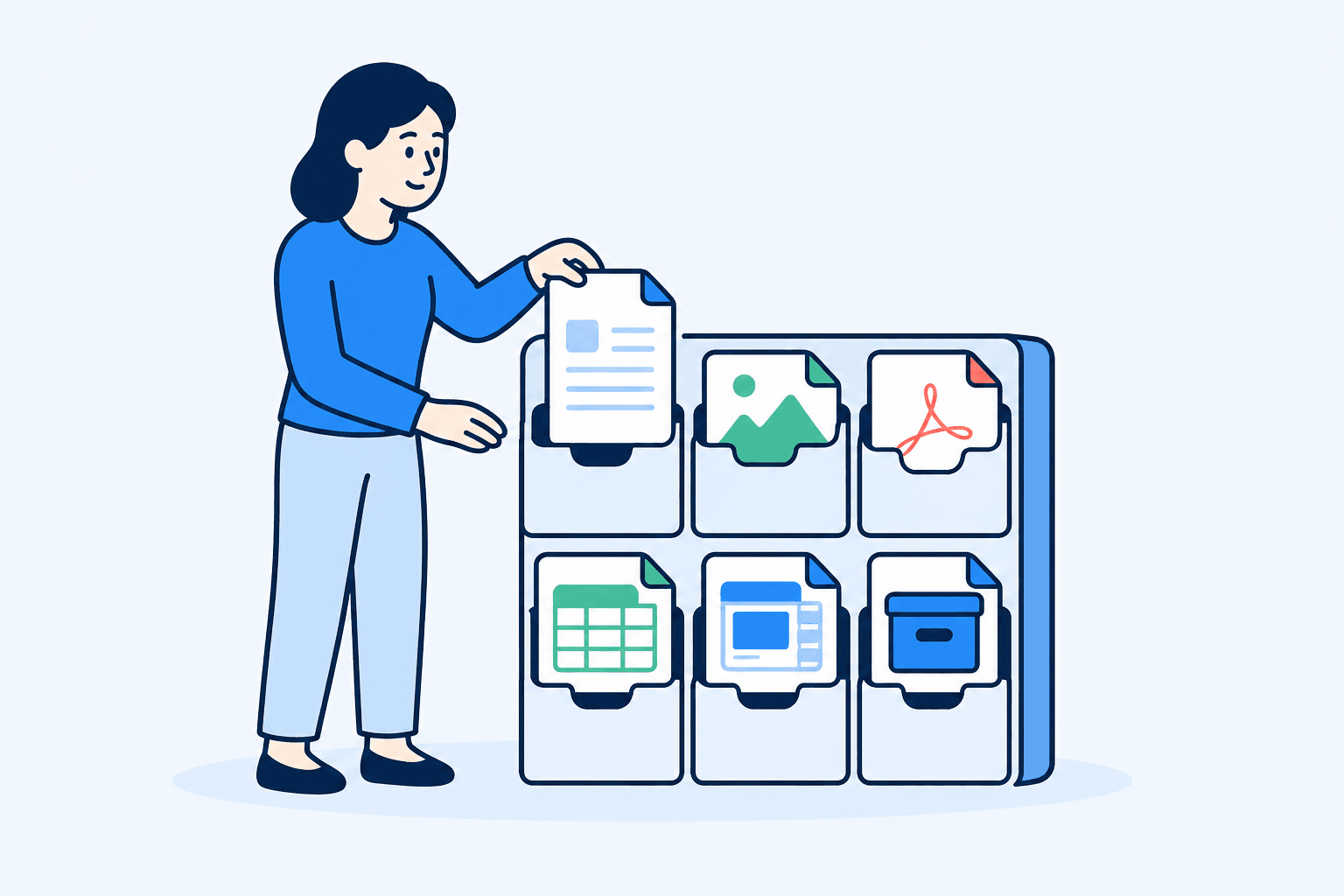
What happens when you drop a file
Verify it in DevTools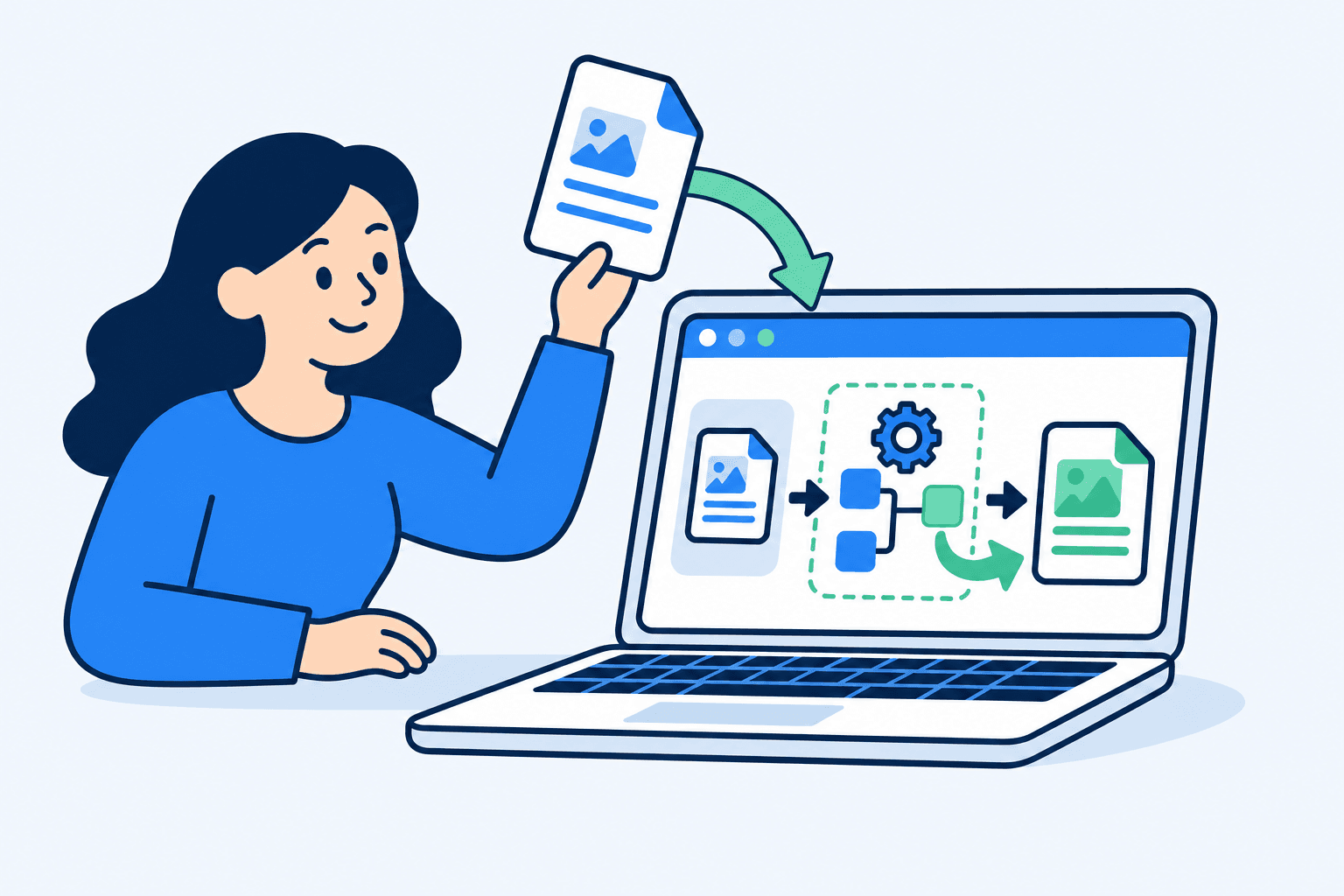
- 01
Your browser opens the file
Choosing a file gives this tab read access to it, the same way a photo editor opens a file from your disk. Nothing is sent to our server, because there is no upload step at all.
- 02
The work runs in the tab
Open-source libraries built for the browser, such as pdf-lib, PDF.js, qpdf (as WebAssembly), Tesseract.js and JSZip, do the job on your processor. A few tools fetch extra code the first time, such as OCR language data or the background-removal model. Those downloads never include your file.
- 03
You save the result
The finished file is created in memory and handed to your downloads folder. Close the tab and both the original copy and the result are gone from the page.
Straight answers
If nothing is uploaded, where does the work happen?
In the browser tab you have open. The page loads code once (PDF, image and ZIP libraries, compiled for the browser), then your file is read from your disk into the tab's memory, processed there, and handed back to you as a download. Closing the tab clears it.
How can I check that my file isn't sent anywhere?
Open your browser's developer tools, switch to the Network tab and run a tool. You will see the page's own scripts and styles load, but no request carrying your file. Each tool also shows a small meter of bytes sent to a server while it works; it stays at 0 B.
Is it really free? What's the catch?
There is no paid tier, account or daily limit. Because the processing uses your device instead of our servers, running the site is cheap. It may show ads, and there is an optional tip link; neither ever sees your files.
What's the biggest file I can use?
There is no fixed limit. The practical ceiling is your device's memory: a desktop browser handles PDFs of a few hundred pages and big photo batches comfortably; a phone copes with less.
Why isn't there a Word to PDF converter?
Rendering a Word or PowerPoint file exactly as Office does needs Office's own layout engine, which doesn't run in a browser. Rather than upload your file to a server to do it, we leave that conversion out. The tools here extract text, images and data from those files instead.
Something else? hello@pandafilekit.com reaches a person.
Finish the file and move on.
Pick a tool, drop the file, download the result. No account, no upload queue, no waiting on a server.
Browse all tools